Label Printer Buying Guide Storage Hacks: Developer's
From thermal to thermal transfer, I tested 3 label printers hands-on. A developer shows you how to use a label system to manage household items and stop...
As a coder, I'm obsessed with naming conventions. Variable names should be self-explanatory, function names should be clear, and folder hierarchies should make sense. But this habit completely fell apart at home — the grain jars in my kitchen cabinet all looked identical, and every time I cooked I had to pop the lid and sniff to tell if it was millet or quinoa. The storage bin in my closet had a crumpled sticky note that said "Winter," but when I opened it, down jackets and long underwear were all mixed together.
It wasn't until I got my first label printer that I realized: storage is just like writing code. Without a good "naming system," even the neatest setup is still a mess.
1. Why Developers Need a Label Printer
In our line of work, efficiency and traceability are everything. It's the same at home. You should be able to find what you need in 3 seconds, not after digging through three drawers.
A label printer's superpower is standardization. Handwritten labels are messy, inconsistent, and fall off easily. Printed labels use a uniform font, are waterproof and oil-resistant, and stick tight. More importantly, it forces you to build a categorization system — like namespaces in code, every item has a home and an identifier.
Nowadays, everything in my place has labels: kitchen spice jars, closet storage bins, cable pouches, medicine boxes, tool boxes. Friends come over, open my cabinets, and go, "You basically brought code conventions into your real life."
2. Label Printer Type Comparison
Thermal
How it works: the print head heats up, and thermal paper changes color to show text.
Pros: no ink or ribbon needed — only paper as a consumable, so costs are low. Fast printing. Machines are cheap — entry models run $15-45.
Cons: thermal paper hates heat and sunlight; the print fades in high temps. Can't print in color. Some cheaper models have so-so print quality.
Best for: indoor storage, short-term labels, kitchen spice jars, closet organization. 80% of the labels in my place are thermal-printed, stored inside cabinets away from direct sunlight, and after two years they haven't faded at all.
Thermal Transfer
How it works: ink gets transferred from a ribbon onto the label paper.
Pros: print lasts forever — waterproof, oil-proof, sun-proof — you can even use it outdoors. Works on all kinds of materials (plastic, fabric, metal). High print quality.
Cons: you've got to replace ribbons, so consumables cost more than thermal. The machines are pricier, $70-200. Printing's a bit slower.
Best for: outdoor gear, tool boxes, labels that need to stick around long-term, industrial environments. I use thermal transfer for my tool box 'cause it gets moved around a lot and the labels take a beating.
Inkjet
How it works: just like a regular inkjet printer — ink gets sprayed onto the paper.
Pros: can print color, graphics, and QR codes. Tons of label paper options.
Cons: ink costs are high. Slow printing. The machine's bulky, not portable.
Best for: when you need color labels, logos, or QR codes. Most home storage doesn't need it, unless you want cute illustrated labels on your bins.
Bluetooth Portable Models
How it works: usually thermal, but compact, connects to your phone for printing.
Pros: portable — fits in a bag. Phone app with tons of templates. Great for on-the-spot printing.
Cons: print width is limited, usually max 57mm. Battery life is finite.
Best for: moving, temporary labels, on-the-go use. I've got a portable one — when I moved, I printed labels right there, stuck 'em on boxes, and once I got to the new place I just sorted everything by the labels.
3. Three Popular Label Printers Tested
1. Brother PT-P710BT
Price: around $115
Thermal transfer, Bluetooth, supports up to 24mm label width. This was my first label printer, and it's still my main one.
Pros: print quality is genuinely great — even tiny text is crisp. The app's powerful — you can print barcodes, QR codes, icons. The labels last forever; the ones on my tool box survived two moves without peeling. Cons: expensive — both the machine and the ribbons. An original Brother ribbon runs $8-12.
If you've got the budget and want a durable, full-featured machine, the PT-P710BT is the top-tier home option.
2. NIIMBOT D11
Price: around $20
Thermal, Bluetooth, max 15mm label width. This is the one I got for the kitchen, dedicated to spice jar labels.
Pros: cheap, compact, easy to use. The app has tons of templates — pick a style, type the text, hit print. Thermal paper's about $1.50 a roll, so running costs are low. Cons: narrow print width, can't do long labels. Thermal paper hates heat, so don't stick 'em right next to the stove.
I've got over twenty spice and grain jars in the kitchen, all labeled with the D11. Same font, same size, and it's so satisfying to look at. This is the most-used label printer in my place.
3. Jingjing Marker Mini Label Printer
Price: around $28
Thermal, cute design, marketed toward home organization. My girlfriend picked this one up. It looks great — white, rounded body, sits on the desk like a little decor piece.
Print quality is similar to the NIIMBOT D11, and the thermal paper is interchangeable. The app templates are more lifestyle-focused, with lots of cute borders and icons. Cons: the machine's a bit bigger than the D11, so it's not as portable.
If you're looking for a good-looking label printer, or you just want one with personality, Jingjing Marker is a solid pick. Personally though, I'd recommend the NIIMBOT D11 for better value.
4. Storage Label Design Tips
A label isn't done the second you print and stick it. Good label design can double your storage efficiency.
Color coding. I use different colored label paper for different zones: white for the kitchen, beige for the closet, yellow (high-visibility) for medicine, silver for tools. You can spot the category at a glance — no need to read the words.
Tiered font sizes. Big text for main categories (like "Winter Clothes"), smaller text for subcategories (like "Down Jackets / Sweaters"). Clear hierarchy — same logic as indentation in code.
Icon support. Lots of label printer apps let you add icons — like a chili icon on a spicy jar, or a cross icon on medicine. Visual recognition is faster than reading text.
Expiration date labels. Food, medicine, and skincare labels absolutely need the date opened or the expiration date. The label on my milk powder says "Opened: 2026.3.15, best within 3 months" — keeps me from accidentally using expired stuff.
QR code advanced trick. If you're really geeky, you can use a thermal transfer printer to make QR code labels that link to a Notion or Excel inventory list. I tried putting QR codes on my book storage bins — scan 'em and see exactly what's inside each box. Honestly though, the maintenance is a bit much, and I stopped once the novelty wore off.
5. Label Ideas by Room
Kitchen: spice jars get name + purchase date, grain jars get name + expiration date, food containers get contents + freeze date, drawer dividers get category labels (utensils / tools / cleaning) on the inside.
Closet: storage bins get season + clothing type, drawers get underwear / socks / accessories, the hanging rod gets category labels (shirts / jackets / pants).
Study: cable pouches get device name (iPhone / Type-C / HDMI), book bins get category (tech / fiction / reference), drawers get stationery / batteries / accessories.
Bathroom: skincare gets the date opened, cleaning supplies get their use, towel racks get personal labels (keeps roommates from mixing 'em up).
Medicine area: medicine boxes get name + expiration + how to use, first aid kit gets a checklist on the lid.
6. Label Consumable Buying Tips
Thermal paper: go for the "triple-proof" kind (waterproof, oil-proof, scratch-resistant) — a bit pricier than regular but way more durable. Don't buy the super-cheap stuff; print quality is bad and it fades fast.
Thermal transfer ribbons: original ones are great quality but expensive. Third-party ribbons are cheaper but can jam or print unevenly. Buy one third-party roll to test first, then stock up if it works.
Label paper width: common sizes are 6mm, 9mm, 12mm, 18mm, 24mm. For home use, 12mm is the most versatile — narrower and you can't fit the words, wider and it's wasteful.
Adhesive strength: smooth surfaces (glass, tile) are fine with regular adhesive. Rough surfaces (fabric, wood grain) need strong-bond. Outdoor or humid environments need waterproof adhesive.
7. Buying Recommendations
If you're just starting out and on a tight budget, I'd recommend the NIIMBOT D11 or a similar thermal portable model, around $20. It handles most home needs.
If you want top-tier print quality and long-lasting labels, or you need to print barcodes/QR codes, go with the Brother PT-P710BT, around $115. One-and-done.
If you move a lot or need to print on the go, get a Bluetooth portable model. Phone operation is super convenient.
A label printer isn't a necessity, but it can take your storage from "looks neat" to "actually efficient." For me, it's like a type system in code — spend a little extra time defining the standard upfront, and maintenance costs way less down the road.
Related Articles
Smart Storage Tools Guide: Using Technology Refactor Your
As a programmer, I believe technology can solve all efficiency problems, including storage. This article deeply reviews smart storage tools including...
Best Storage Apps 2026: Developers Use Digital Tools Manage
Hands-on review of 6 organization apps from Sortly to Notion. Learn how developers use digital tools to manage physical items and build a hybrid digital +...
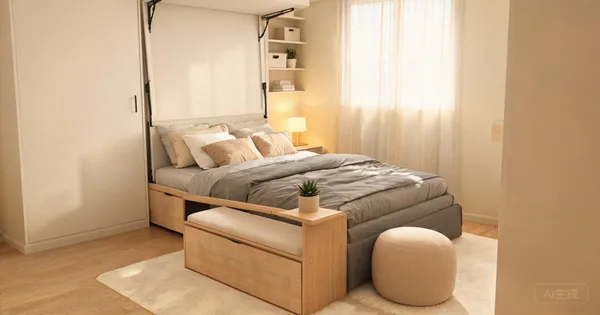
Multi-Functional Furniture: 10 Space-Saving Picks for 2026
Every piece should earn its square footage. Review 10 multi-functional furniture picks—from storage ottomans to murphy beds—that save space and add storage.
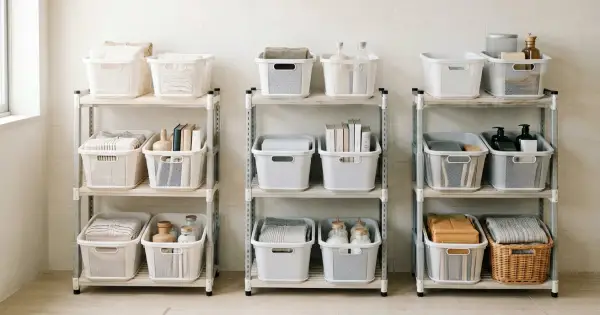
5 Best Foldable Storage Shelves 2026: Tested for Small Apartments
Foldable storage shelves are 2026's hottest small apartment essential. I tested 5 top models for durability, capacity, fold mechanism, and real-world use. Find the perfect one for your space.
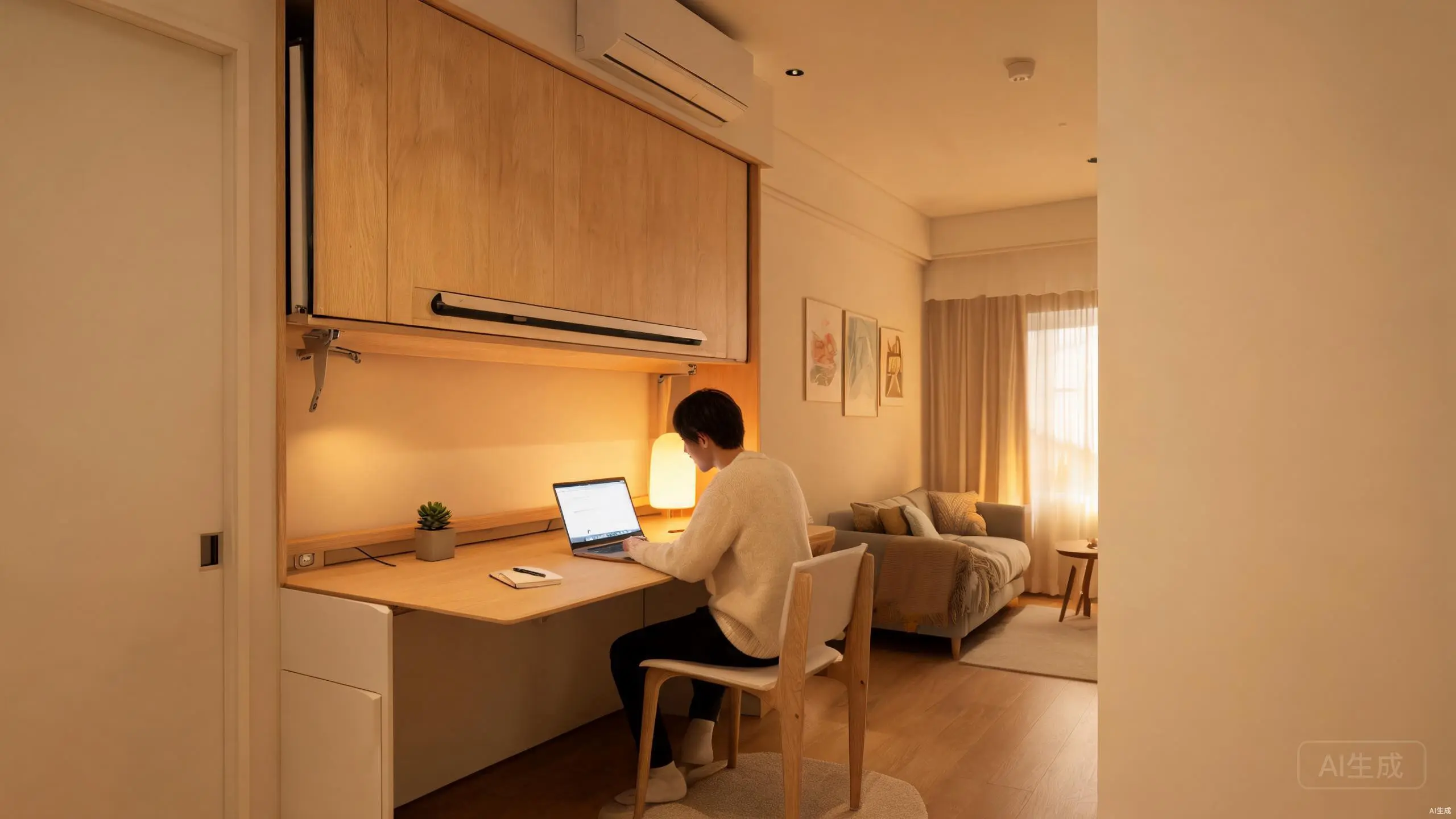
Murphy Bed with Desk: My 3-Month Test in a Small Apartment
I tested a murphy bed with desk in my 35 sq m apartment for 3 months. Here's what works, what doesn't, and which models are worth the money.
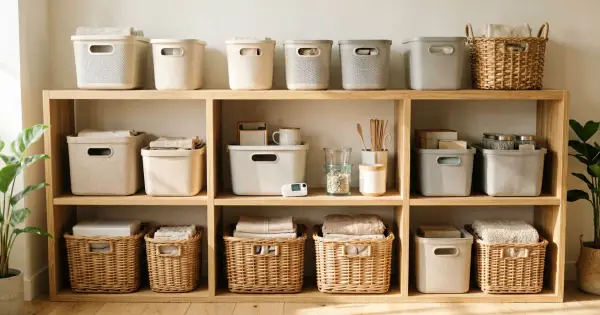
Smart Storage Systems 2026 Tested: Worth the Money or Gimmick?
I tested 5 smart storage systems for small apartments in 2026. From motorized shelves to app-controlled closets, here's what actually works and what's a waste of money.